

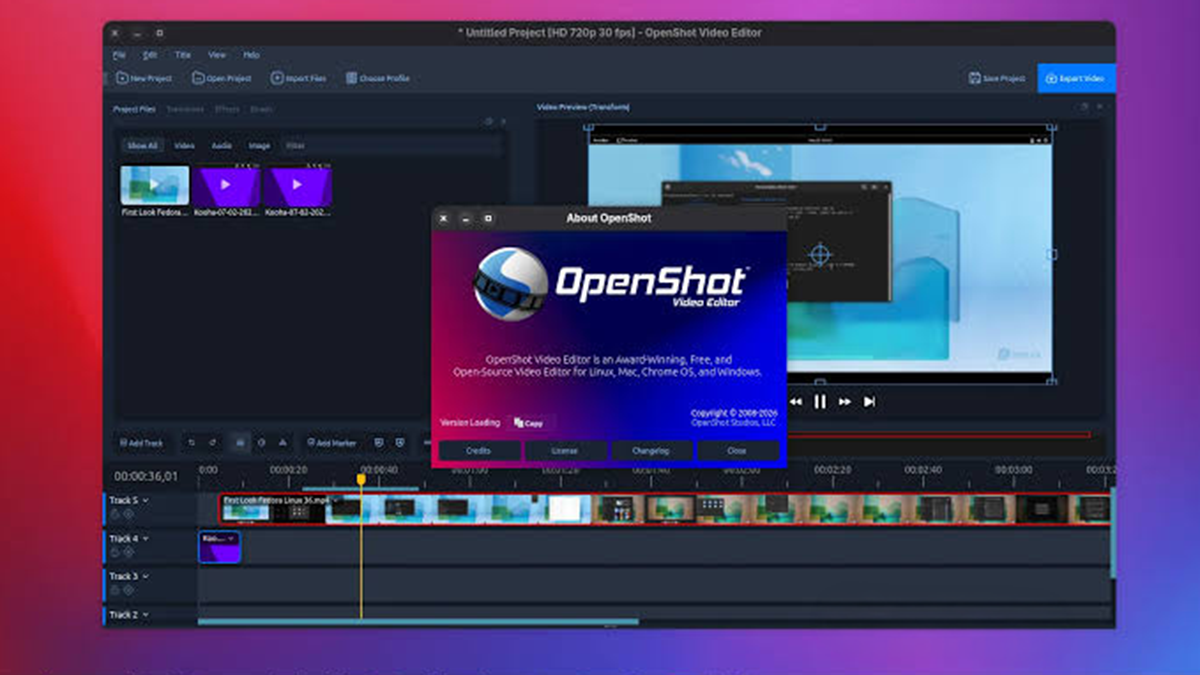
OpenShot 4.0 landed today, and it’s a big one. The free, open-source video editor, built in Qt and available on Linux, macOS, and Windows, hasn’t had a major stable release since the 3.5 series shipped five months ago.
The headline addition is a new Recording View, which comes with its own audio recording dock for capturing screen, webcam, and audio sources at once. On Linux, screen and webcam recording now works under Wayland through desktop portals, and you can record from multiple sources live while watching a timeline preview update in real time. Recordings can also be saved straight into a project as assets, and recorded audio now gets detailed peak and RMS waveform rendering. System audio capture has been folded into screen recording too, so you’re not stuck adding it separately afterward.
Masking and cleanup tools got attention as well. There’s a new Object Mask effect built on Efficient SAM, plus a Mask: Source menu for tracked effects. On the audio side, a new denoiser can strip out background noise, and there’s a dedicated option for enhancing speech. OpenShot 4.0 also adds several Comfy UI templates: Reduce Noise, Enhance Voice, Improve Audio Resolution, and Repair Audio, for anyone doing heavier audio restoration work.
Color work gets a real upgrade with a new Color Grade effect: key framable color wheels paired with a curve editor. To go with it, there are new Vector scope, Luma Waveform, and Histogram docks, an Audio Levels scope dock, and a new Analysis View for checking your footage. If you’d rather skip manual grading, one-click Color presets are now available: Reset Color, Auto Contrast, Lift Shadows, Warm Up, and Boost Color, alongside “Look” presets like Analog Tape, Sharpen, Blur, Shadow, and Glow.
The effects list has grown too. Film Grain now ships with 35mm Fine, Classic, and Gritty presets, plus 16mm Classic, Super 8, and High ISO options. Shadow and Glow, video Denoise, Displacement Map, Beat Sync, and Audio Visualization are all new as well, and there are fresh motion presets: Blur + Wipe, Focus Wipe In/Out, and Smart Camera.
A handful of workflow tweaks round out the release: an editable timecode field right on the timeline ruler, mouse wheel tilt scrolling, right-click context menus on keyframes, a new “My Views” menu, and middle-click to close dock tabs and title bars. OpenShot now also runs on Android.
For Latest Tech Updates Please follow us :
facebook | twitter | instagram | telegram | whatsapp